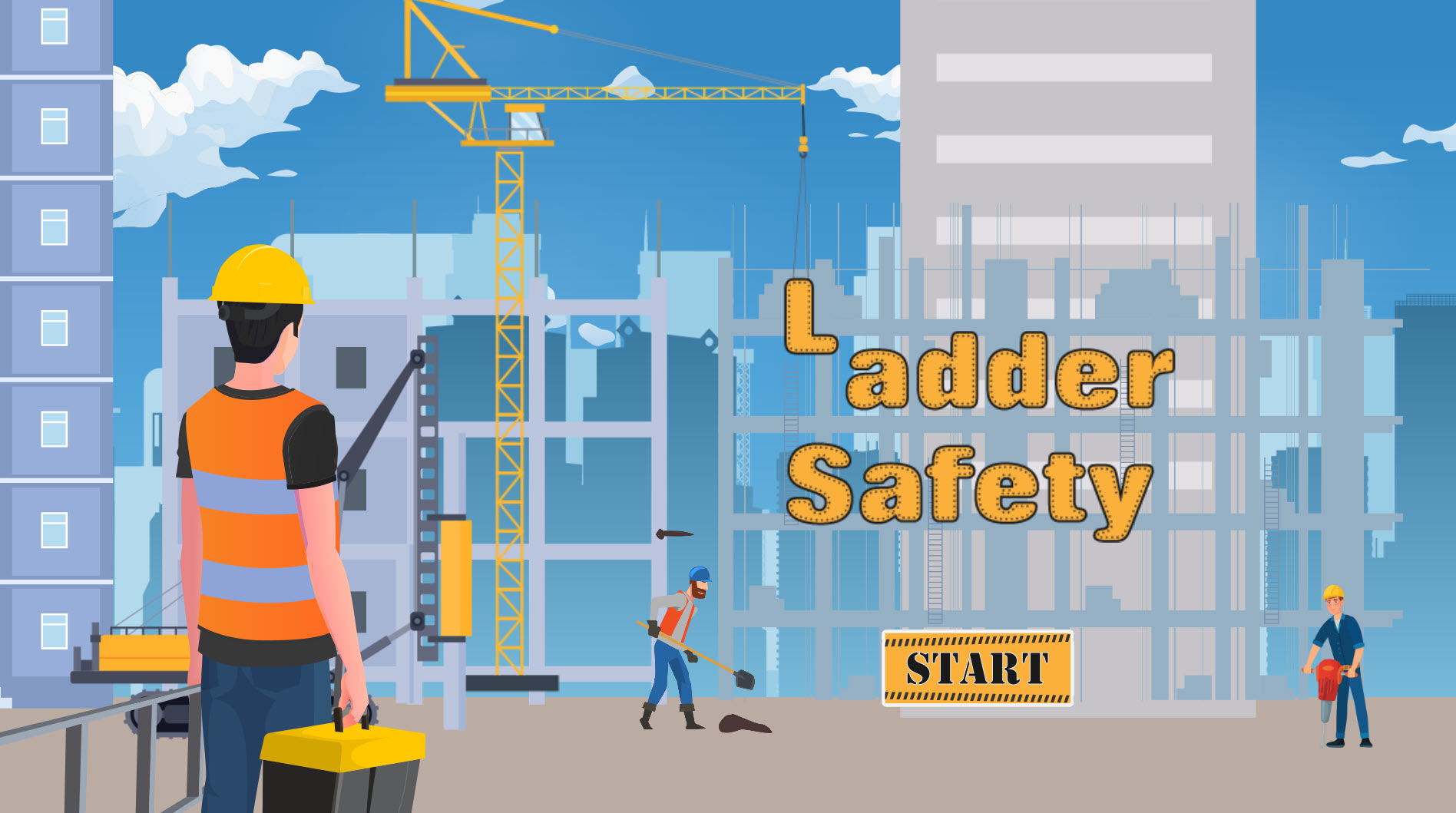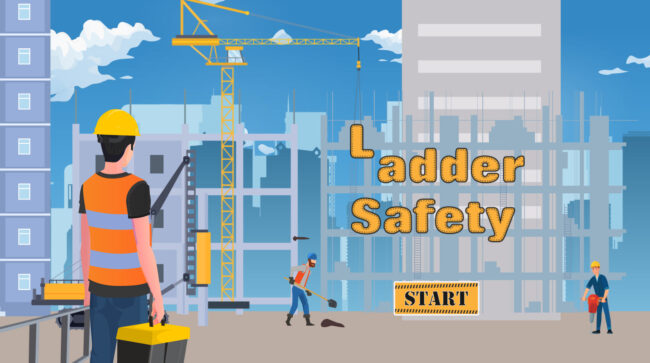
Ladder Safety (Interactive project made in Godot)
Interactive demo created in Godot. Uses multiple parallax backgrounds, animated elements and interactive 3D objects to pull viewers into the course.

Interactive demo created in Godot. Uses multiple parallax backgrounds, animated elements and interactive 3D objects to pull viewers into the course.
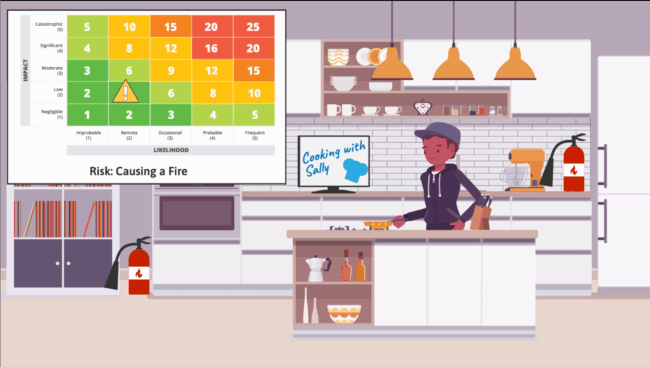
Watch Video Project Name: Risk Management Video Description: This is a short video that is part of a larger course on Risk Management. I created this animation to visually demonstrate how to mitigate risks. Applications Used: Adobe Illustrator After Effects AI Narration
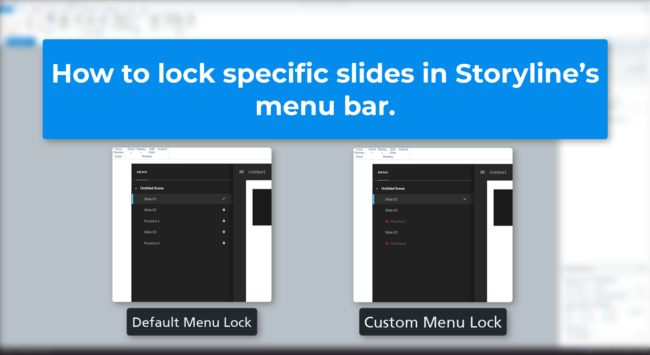
Learn how to lock and unlock specific slides in your Articulate Storyline course menu using JavaScript—without restricting your entire course. This tutorial covers two flexible methods, including custom visual icons, to help you control access based on learner progress or activity completion.

Enhance your e-learning courses with dynamic column charts using Google Charts and JavaScript! This step-by-step guide walks you through preparing your Storyline file, adding and customizing JavaScript code, and troubleshooting common issues. Learn how to visually display quiz results, engage students with animated charts, and personalize chart options to fit your needs. Perfect for educators looking to make their assessments more interactive and visually appealing.

An update to Dynamic Progress Bar JavaScript code. It now adds text to the progress bar to show the percentage of the learners progress.
Discover techniques for designing slides that not only convey information effectively but also captivate your audience’s attention and enhance learning retention. In this video, I’ll talk about the core principles of design, including layout, typography, color theory, and visual hierarchy, and learn how to apply them effectively to your slide presentations
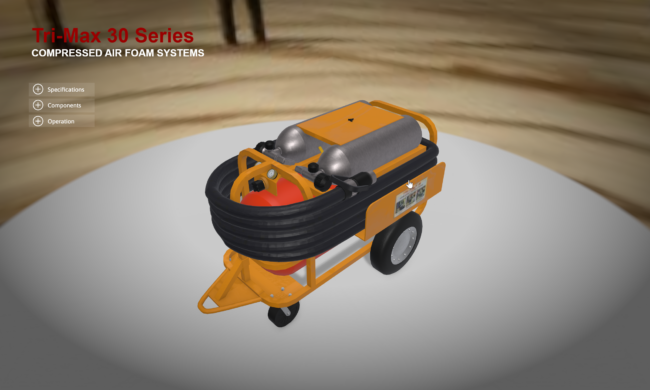
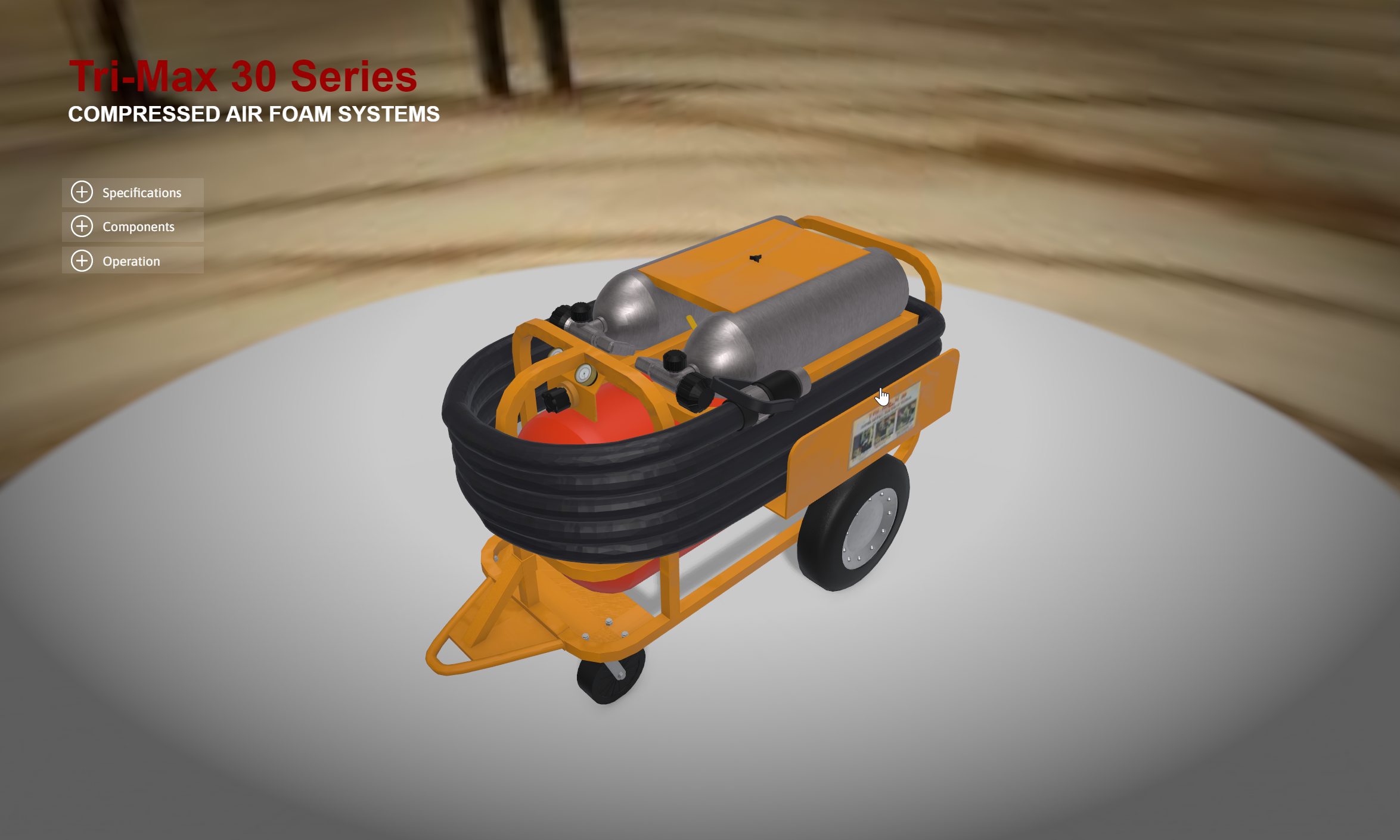
Project Name: Tri-Max 30 Series 3D Model Demo Description: This sample allows you to explore the Tri-Max 30 series fire extinguisher through an immersive interactive 3D demonstration. This demo is designed to illustrate the power of interactive 3D models for product familiarization and training purposes. You can engage with the intricacies of the fire extinguisher…
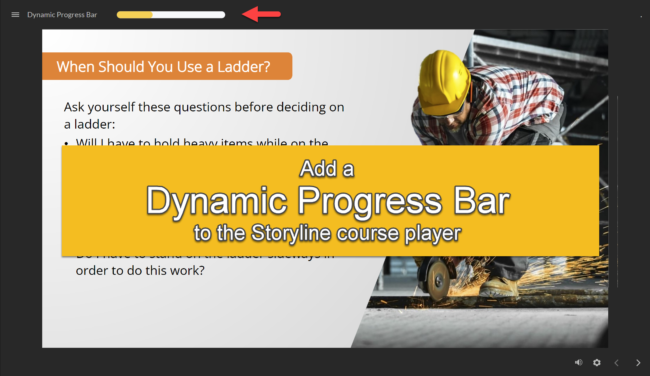
If you’ve ever wondered how to add a dynamic progress bar to your Storyline course player, you’re in the right place! In this step-by-step tutorial, we’ll walk you through the process, making it easy for both beginners and experienced e-learning developers to implement this engaging feature.
This dynamic progress bar will not only keep your learners informed about their progress but also enhance the overall user experience. Plus, the best part is that you won’t need to sacrifice precious slide space to achieve this.
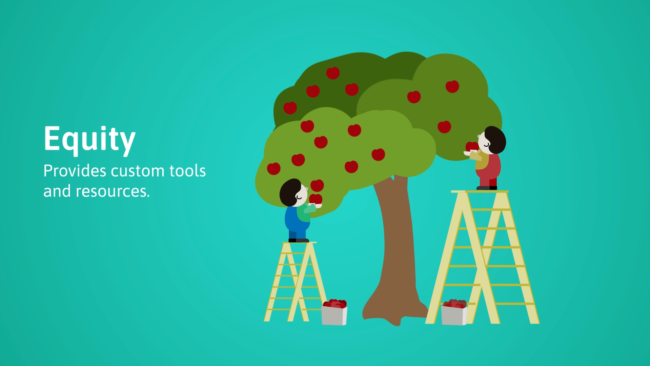
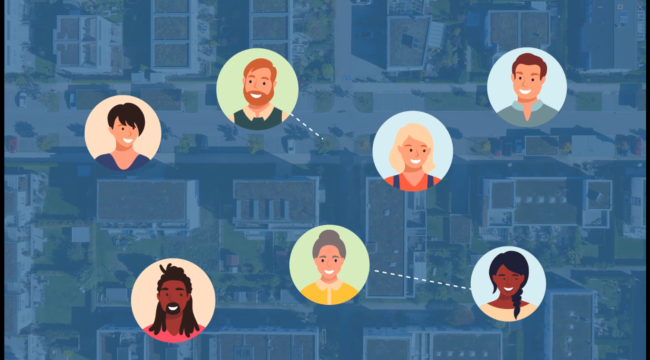
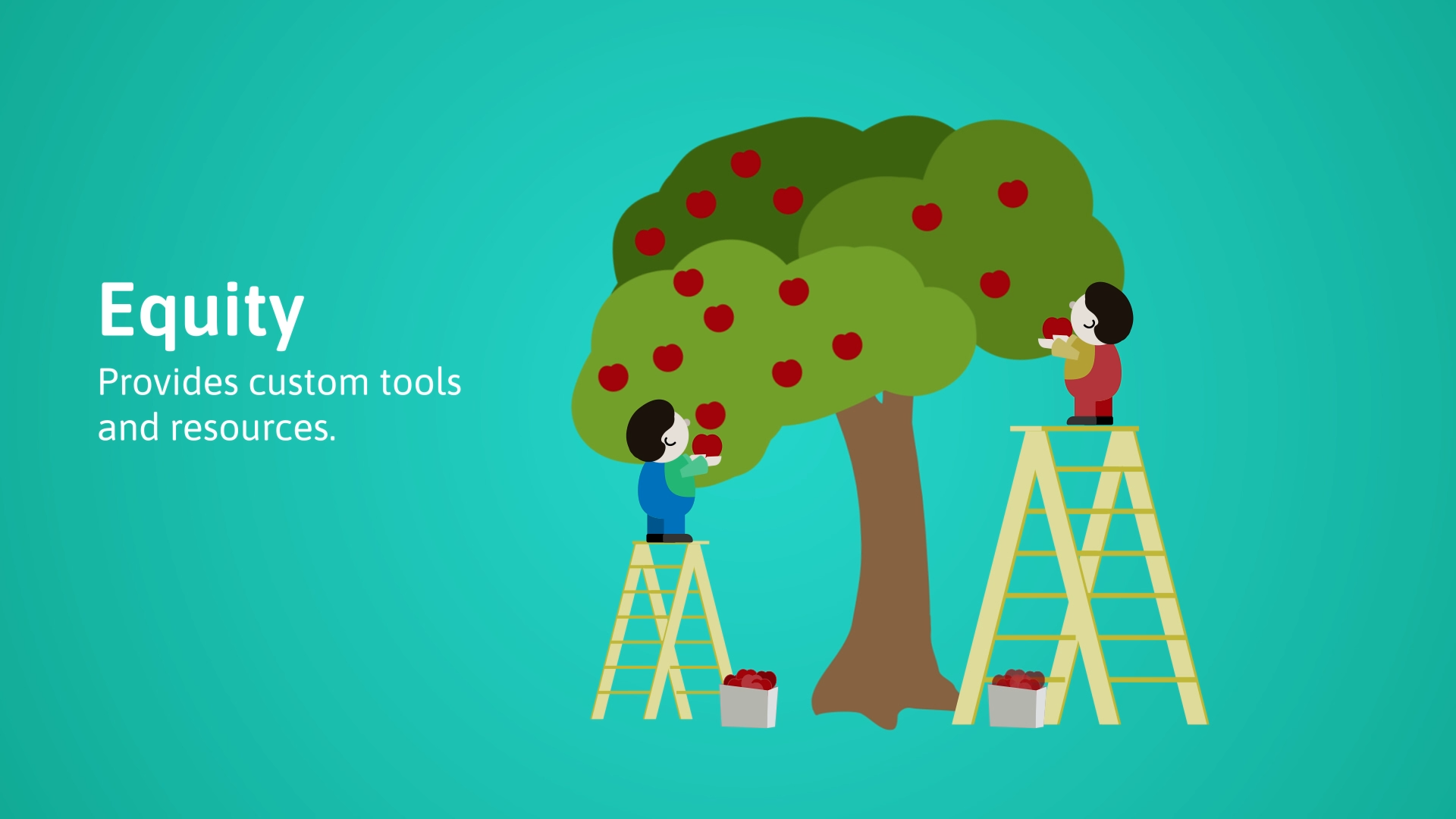
Project Name: Health Equity Explainer Video Description: This animated explainer video serves as a concise guide to understanding the critical distinctions between four essential concepts: inequality, equality, equity, and justice. Extracted from a larger training video on health equity, this clip delivers a compact yet comprehensive overview of these concepts, laying the foundation for a…
Project Name: Motion Graphics Demonstration Description: This video compilation represents a tapestry of my 2D and motion graphic animations, a testament to my versatility in visual storytelling and design. Across a spectrum of training projects for diverse clients, I’ve tailored animations to seamlessly integrate with the unique themes and styles of each course. Varied Styles:…