Project Name:
TRI-MAX 30-CAF Operator Training
Course Level:
Level 3 — simulation-based, custom-engineered
What’s in it:
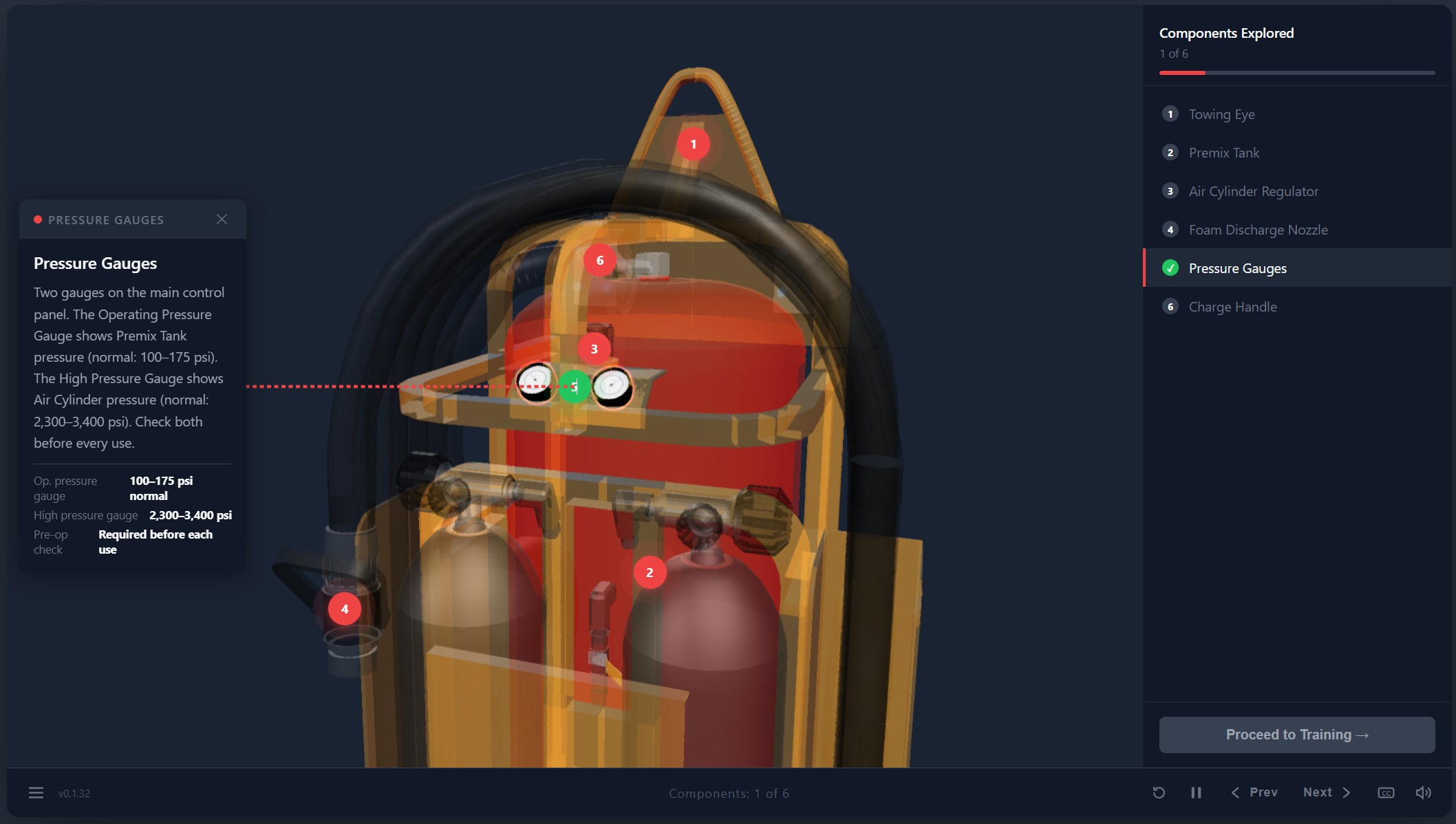
- Interactive 3D product explorer with clickable hotspots
- Guided, camera-driven operating walkthrough
- Hands-on practice mode with sequence validation
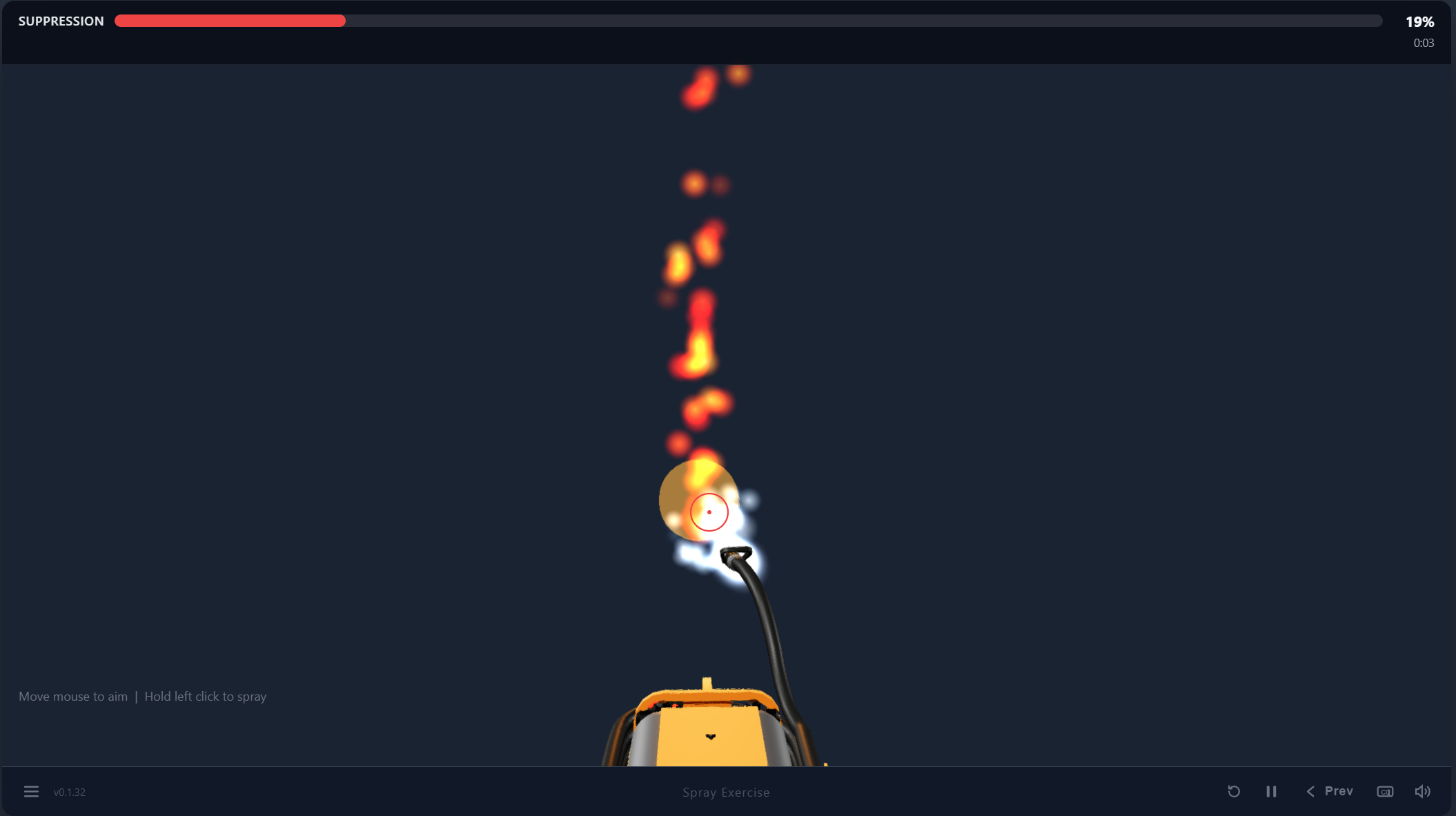
- Real-time fire suppression simulation
- Rigged 3D model with custom animations
- AI-voiced narration with synchronized captions, browser-deployed
Applications Used:
- Three.js (WebGL rendering, raycasting, animation playback, particle effects)
- Blender (3D modeling, rigging, animation, camera authoring, glTF export)
- HTML / CSS / JavaScript (single-file course player, custom control bar, navigation menu)
- AI voice generation (narration) with hand-timed WebVTT captions
- AI (Claude Code, Claude Design)
01 The Problem
Mobile fire suppression units like the TRI-MAX 30-CAF are typically taught from a printed manual and a few diagrams. Operators are expected to locate components, follow a multi-step charging and deployment sequence, and aim correctly under pressure, yet most of them never touch the equipment until an emergency. Reading about a charge valve is not the same as knowing where it is and what it does.
02 The Solution
Put a fully interactive 3D model of the unit in the browser and build the training around it. Learners explore each component up close, watch the operating sequence performed on the actual model, then perform that sequence themselves by clicking the correct parts in the correct order. A final exercise has them aim and spray at a live fire, reinforcing the technique the manual describes in words.
03 Description
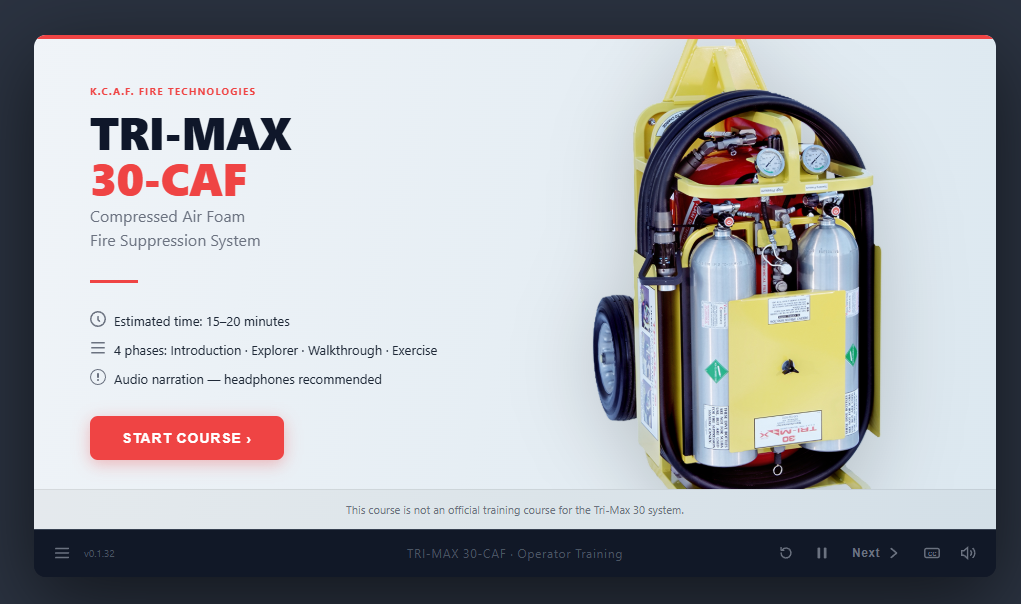
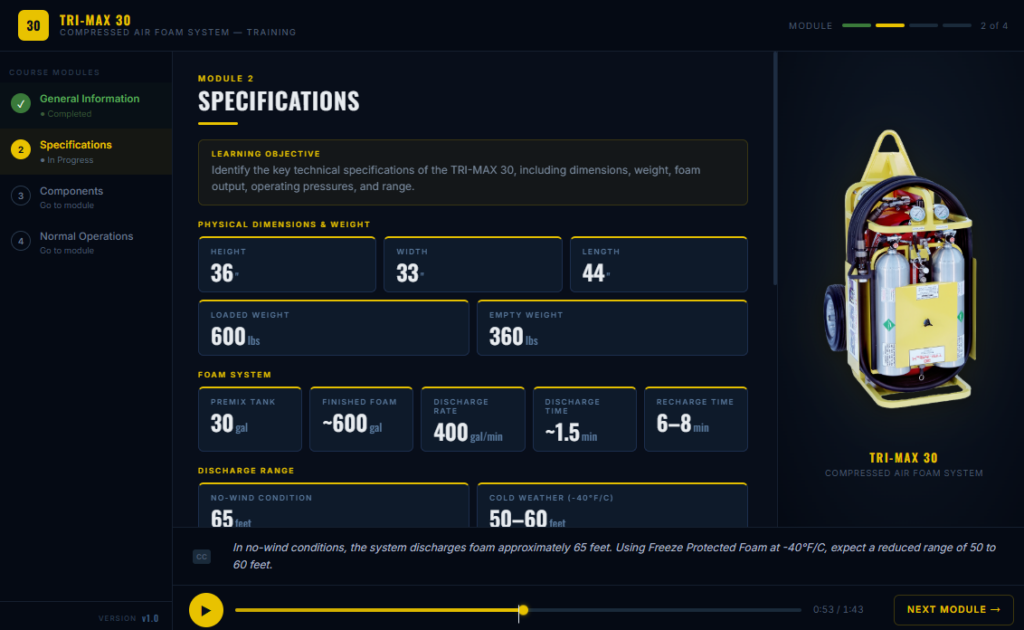
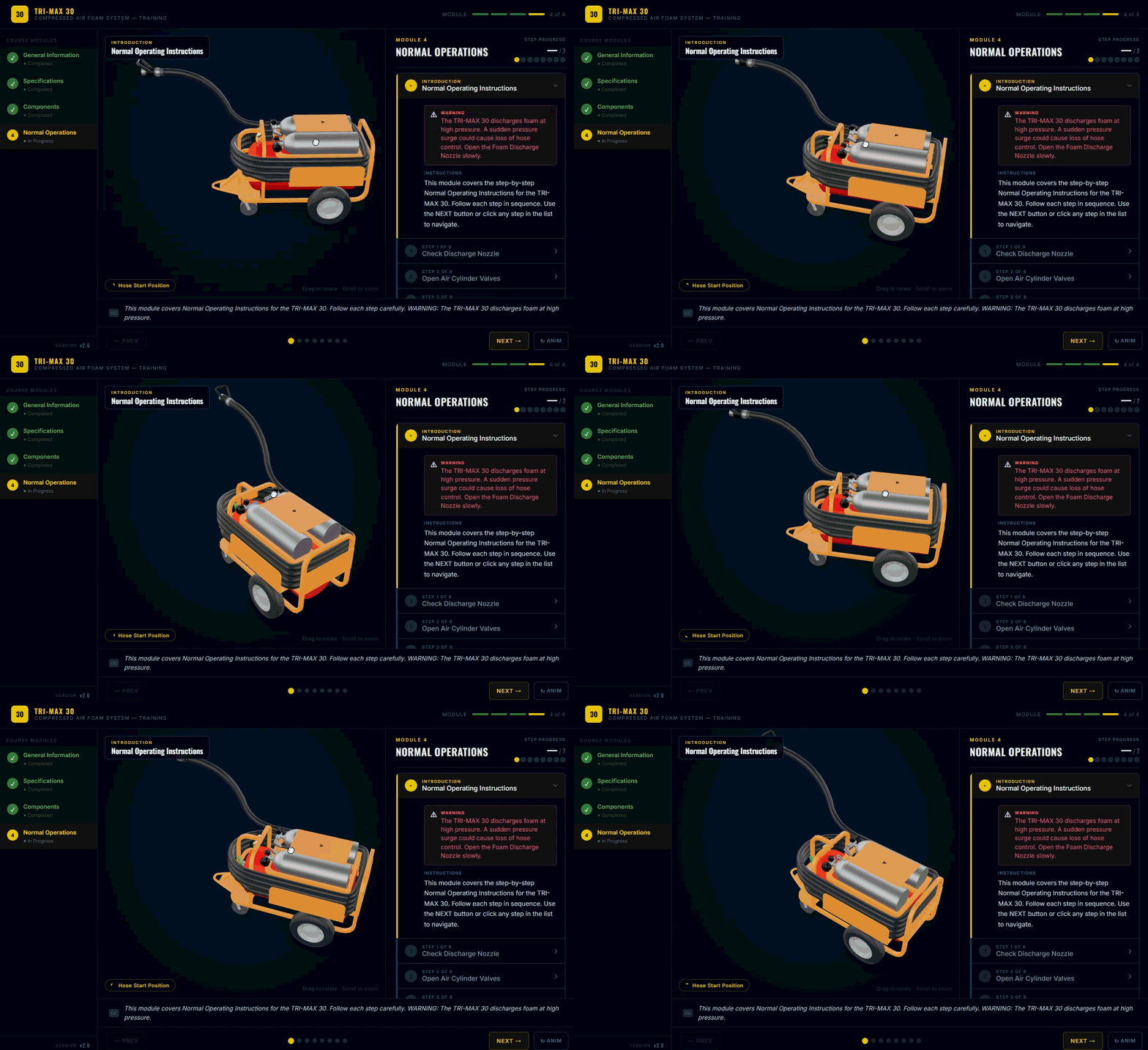
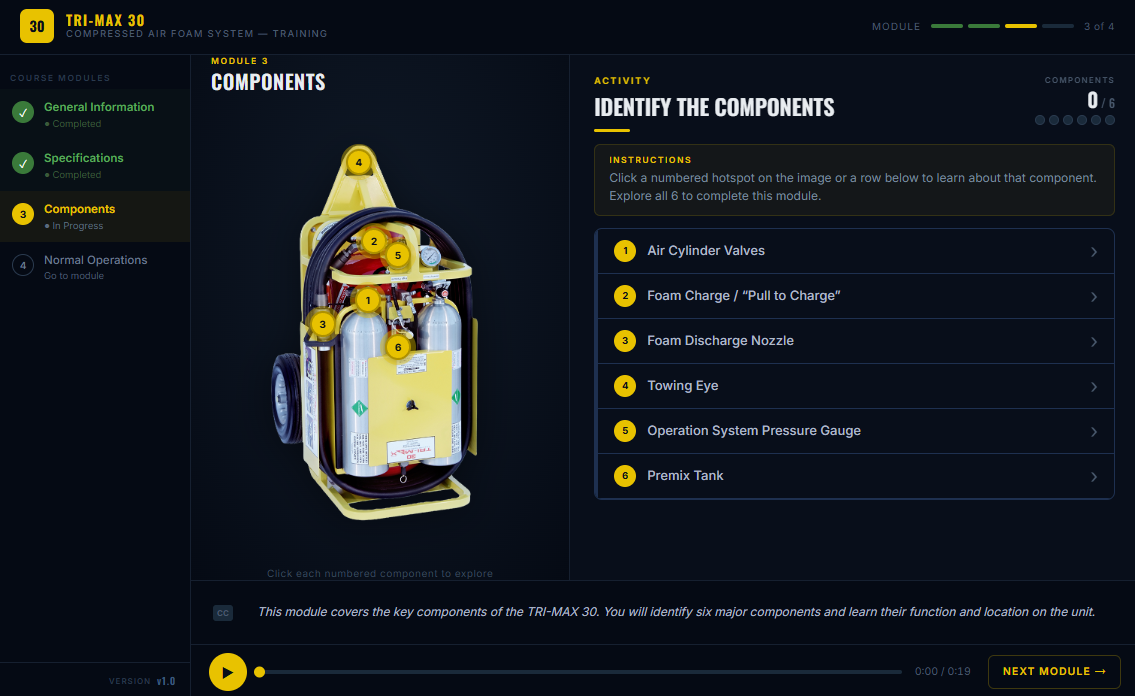
This demonstration is a five-phase operator training course built with Three.js and a custom-rigged model authored in Blender. The course opens with a product overview and key specifications, then moves into a Component Explorer where the learner orbits the unit and clicks hotspots for the towing eye, air cylinder, regulator, gauges, charge valve, hose, and nozzle, each with its own narration and camera fly-to. The Guided Walkthrough locks the camera and steps through the operating procedure with animated valve, handle, and hose movements playing on the model. In the Practice phase, free orbit returns and the learner must click each part in the correct sequence, with feedback for wrong-order attempts. The course closes with a Spray Exercise: the learner drags to aim the nozzle, holds to spray, and must hit the base of a particle-driven fire to bring the suppression meter to 100%, with narration correcting them if they aim too high or hold too long. The whole experience runs inside a custom player shell with a control bar, captions, and a slide-out menu, and ships as a single HTML file with the model, audio, and caption assets alongside it.