
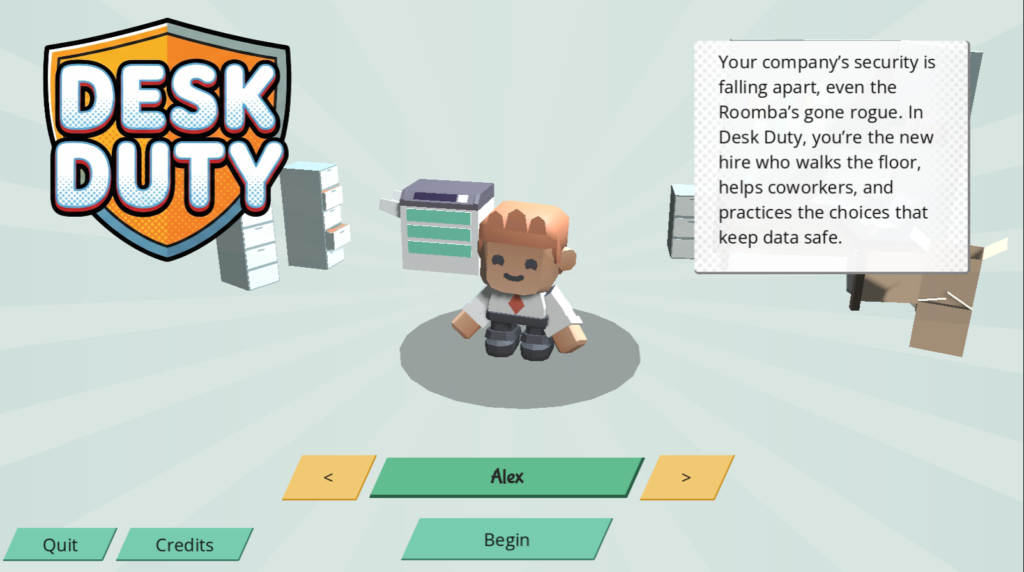
Compliance training has a reputation problem, and honestly, it’s earned. Click next, answer a quiz, get a certificate, forget everything by Friday. I wanted to see if that had to be true. So I built Desk Duty, a prototype training game about cyber security, in Godot. This is the story of why I built it, what I learned, and where I think something like it could go.
The Idea
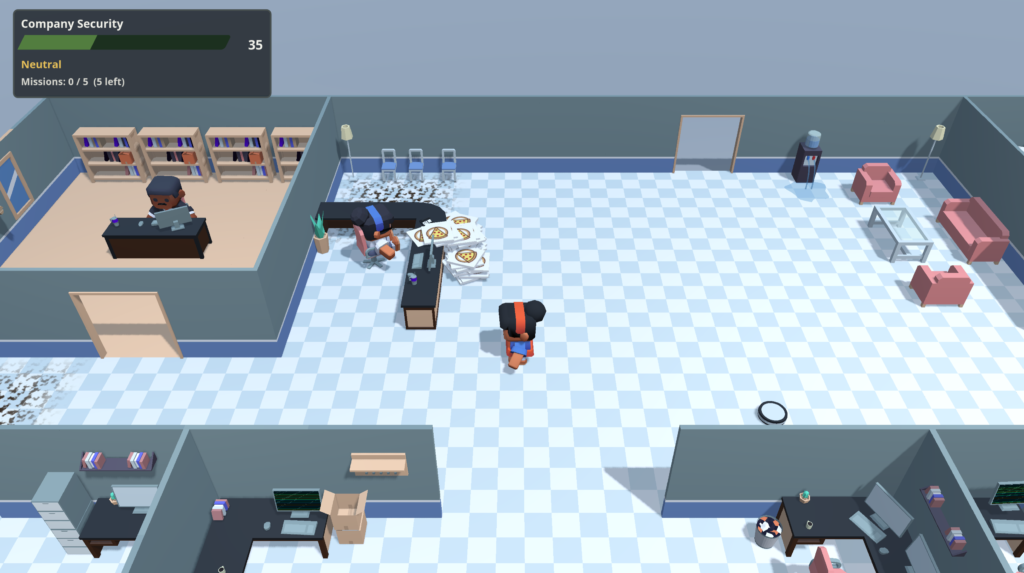
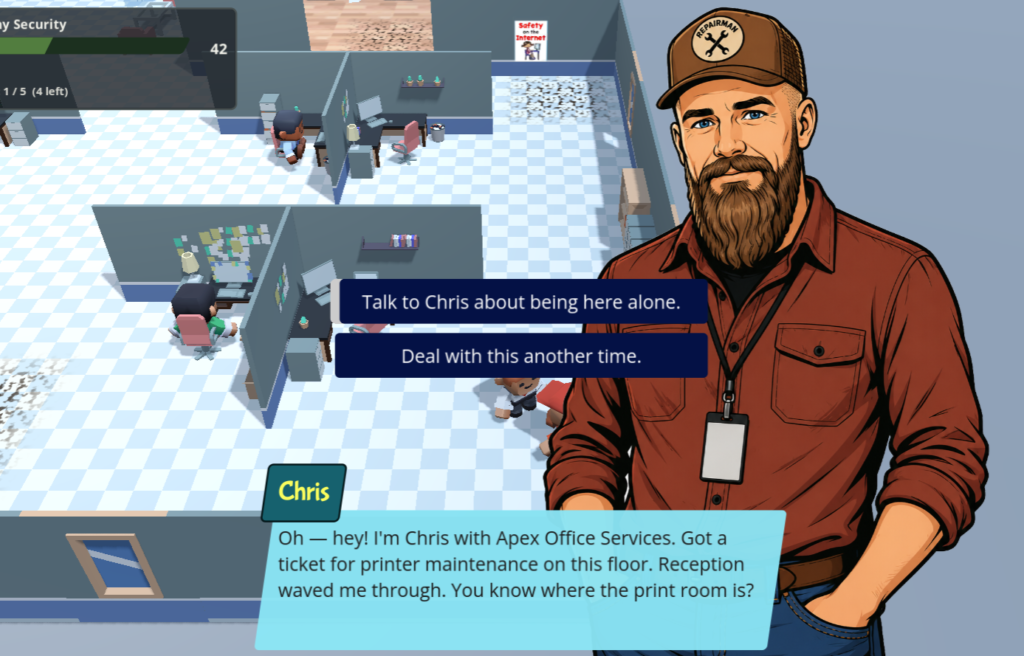
My motivation behind this prototype was to create a training game. Not a training course with gamification bolted on, but a training game where the gameplay itself was a core part of the mechanics, not badges, points, and stars added on as an afterthought. I wanted the learner to be able to explore an office space and seek out the information themselves. That was the key part: exploration. I wanted to give the learner a sense of freedom while playing the training game. There’s no set order to how the learner completes the course, and they can even redo parts of it to explore different branches of each scenario. I wanted to break away from traditional training styles, and from “gamified” training as well.
Intrinsic Motivation
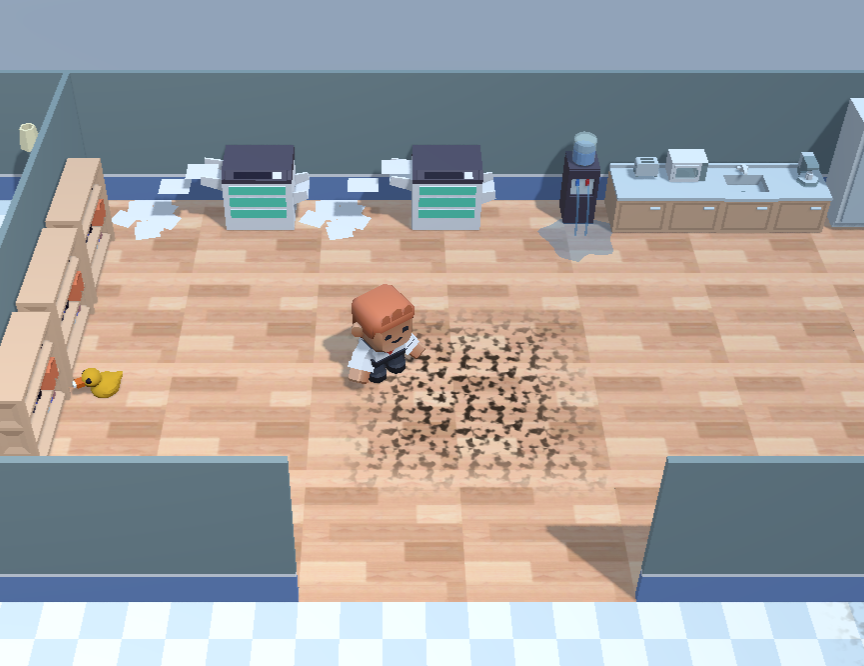
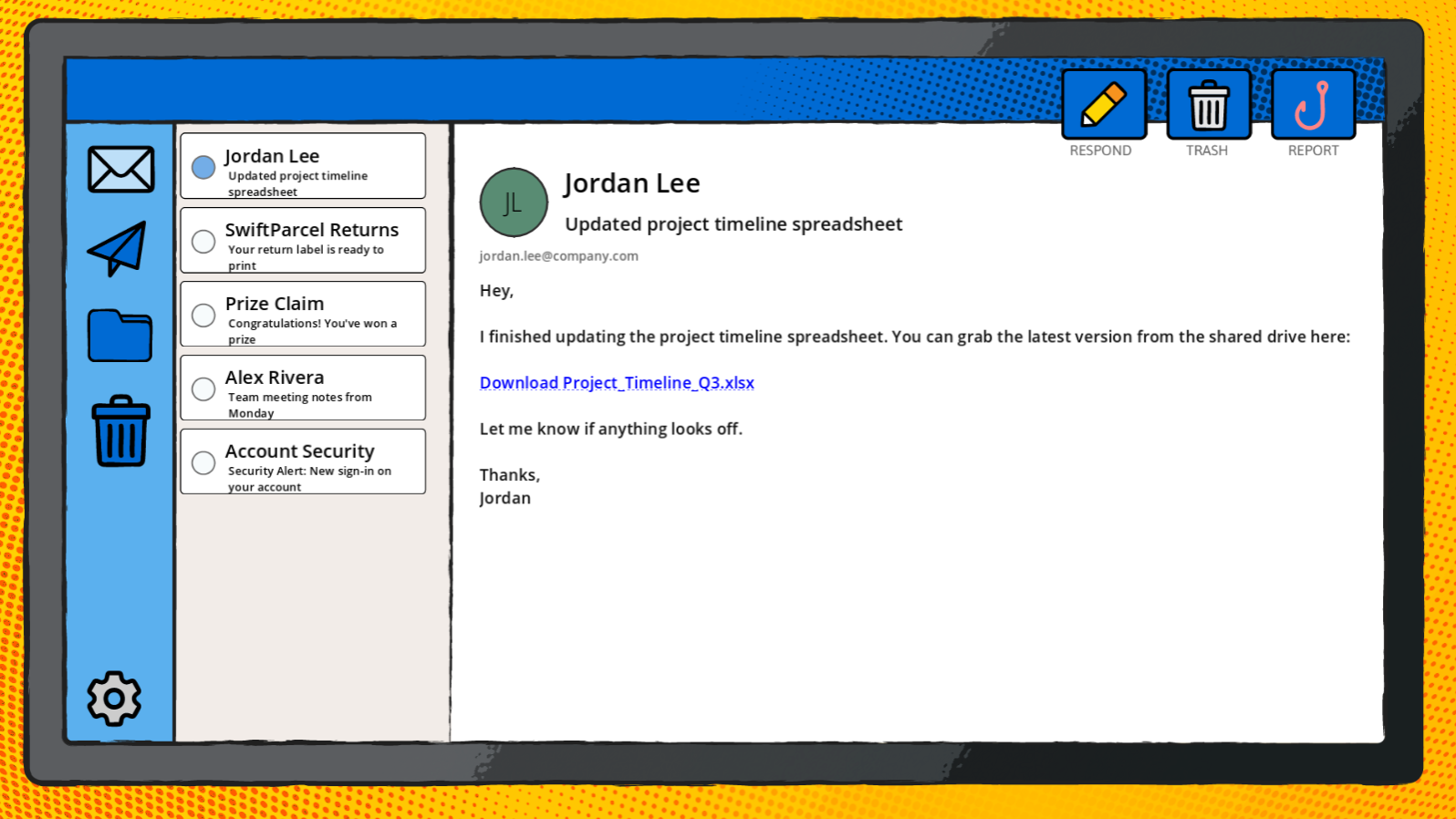
One of the key aspects of teaching anyone anything is motivation, and honestly, when it comes to compliance training like cyber security, motivation is hard to come by. One of the ways I tried to give learners motivation was by providing a sense of accomplishment beyond just completing the course.
I originally added events where things would stop working or break if the user performed poorly or answered questions incorrectly, and nothing much happened if they did well and completed the course. Basically, I was just punishing them for doing badly.
After watching a few people run through the first test, I thought to myself, “Wow, this is really boring.” So I changed it up: instead of starting in a clean, functioning office, the player starts in one that’s chaotic and messy. Now, when the user does well in each mission, something in the office gets fixed and works better. It rewards good actions with a feeling of accomplishment and competence, the sense that you actually fixed something and it mattered. The learner still gets punished for doing badly, but now they see both good and bad consequences play out for each side of their actions.
The Tools
I knew I couldn’t build what I envisioned in traditional training development software like Articulate Storyline. Well, I could have, but that would’ve just been a JavaScript website embedded in Storyline. Godot wasn’t even my first choice, though. I developed the first prototype using a real estate touring platform called 3DVista Virtual Tour. It turned out to be a surprisingly capable application, and I was able to build a working prototype fairly easily. Back then it had a more serious tone and was in first-person point of view, which made it trickier to get looking right. I kept hitting a roadblock, mostly due to my own skill level at the time, so I put the project aside for a couple of months.
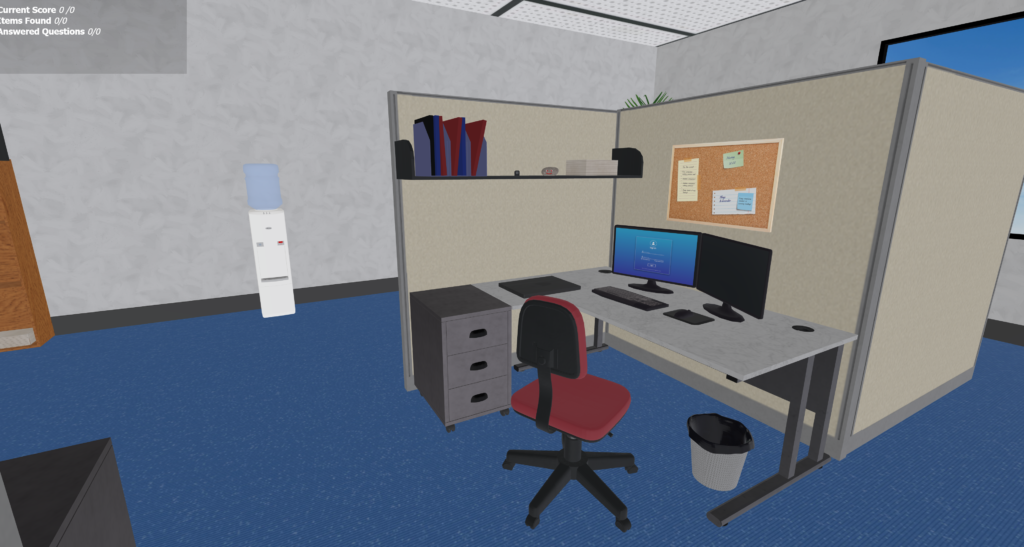
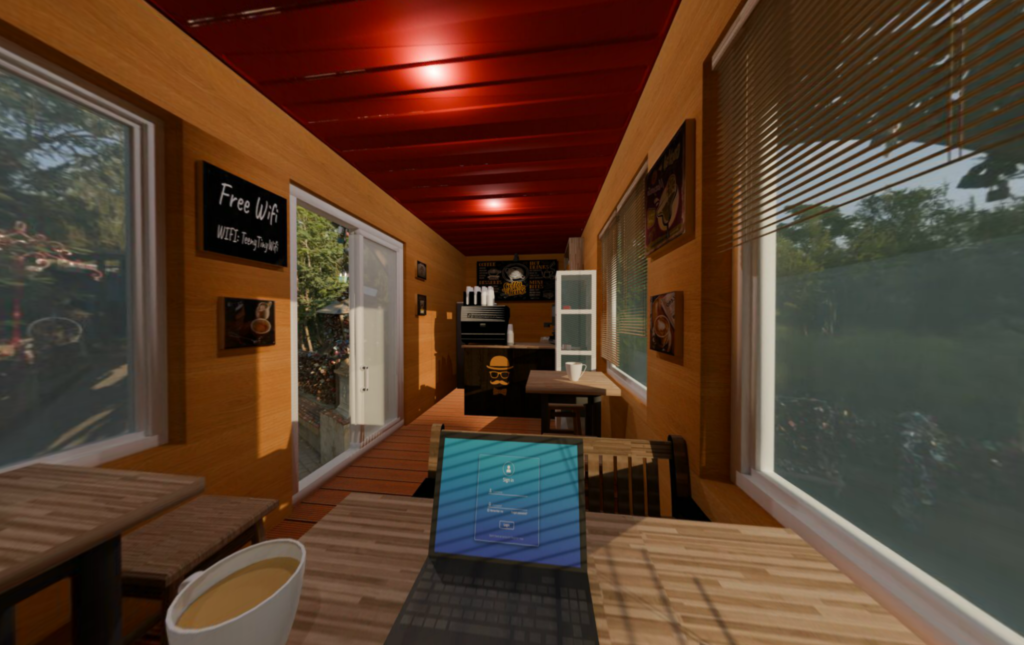
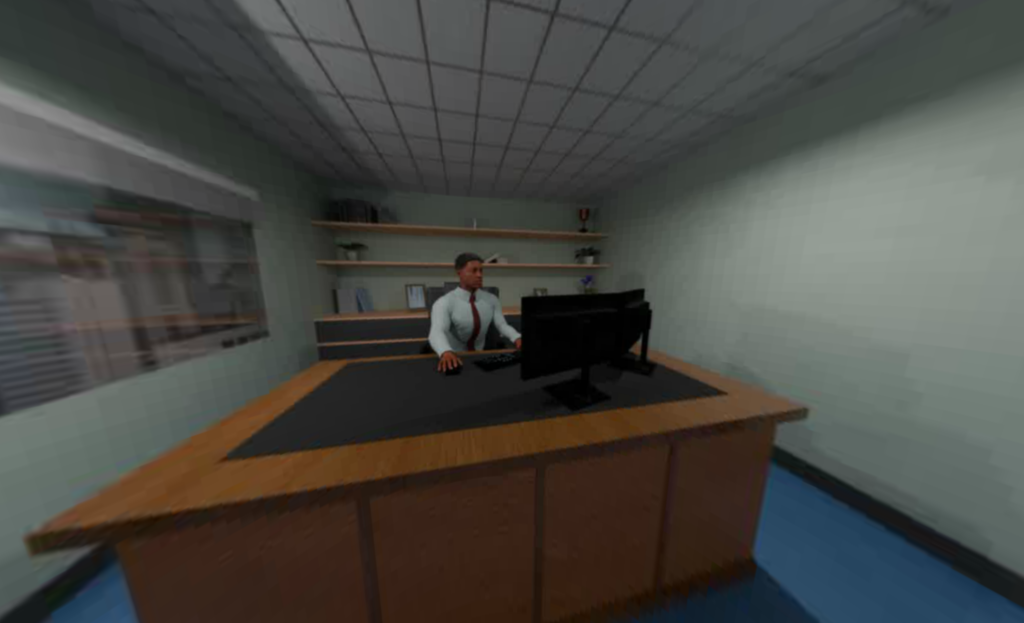
I discovered Godot almost a year ago and started testing it out. After hours of tutorials and a handful of small prototypes, I decided to revisit my cyber security game and rebuild it in Godot. It turned out to be a genuinely fun experience. Once the initial framework and process were set up, most of the remaining work was creating assets to add to the game.
A big part of that was made possible by Kenny (kenny.nl). I used a lot of his asset packs throughout the office, and honestly, his work was a huge help in getting this project looking and feeling as good as it does. If you’re doing anything in Godot and haven’t come across his stuff yet, go check it out.
AI
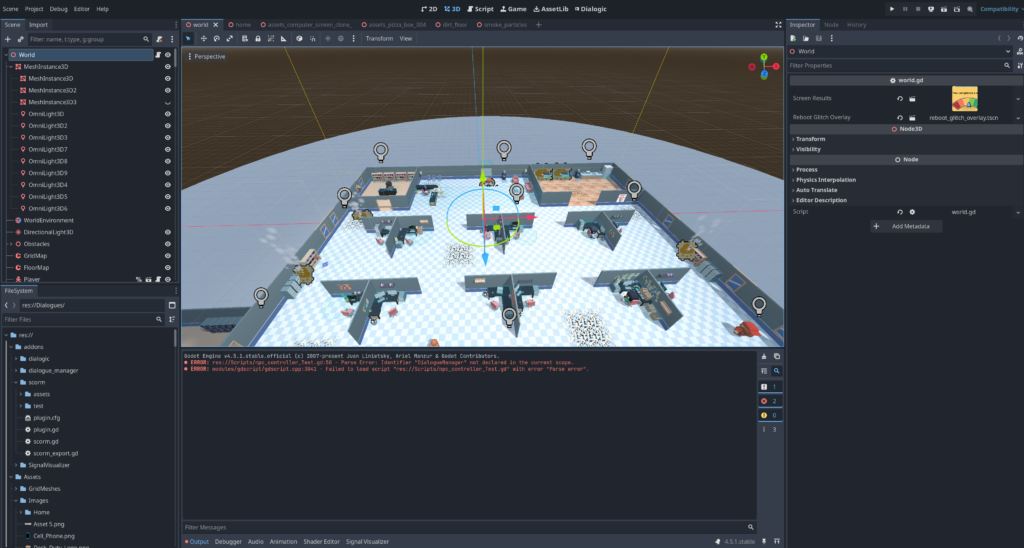
Initially, I didn’t use AI to help create this project. Not because I was against it, but because when I started, AI wasn’t great at writing GDScript, Godot’s core language. I did have it help me with some scripts, mostly asking why a piece of code wasn’t working, but I had to check its answers against other models, ChatGPT, Gemini, and Claude, because none of them was reliable 100% of the time. I ended up building most of the framework and the basic code myself, with only small assists from AI when things got really complicated.
Then life happened, and I wasn’t able to work on the project for a few months. When I finally came back to it, I decided to give AI another shot. I researched which tools worked well with Godot, and Cursor AI came out on top. It integrated well with the project files and didn’t just hand me scripts and code snippets, it would actually create files and work directly within the project. You could feed it errors you were running into, and it would inspect all your files and scripts to figure out what was going wrong. It sped things along tremendously. Since I’d already built the main structure and framework, it was easy to layer on top of what existed: cleaning up scripts, adding more content, and building out unique interactions with straightforward, targeted fixes.
Where to Go from Here
Some of you instructional design professionals have probably already thought, “This would never work in a corporate world,” or something along those lines about the purity of training philosophy. A few things worth saying to that.
First, this was a personal project. The main priority was using Godot to its full capabilities and building a training game, with training being the driving force behind it. After all, it’s hard to test something out without specific goals you want to reach.
Second, in its current state, no, it’s not ready for actual use. There are plenty of other topics I could cover and ideas I had, but since this was just a demo, I kept it to the basics. This was just a test, only a test.
Third, and this is the part I actually care about: this small project can be a springboard for something more serious. You could give the course a more serious tone, with realistic characters and environments. Maybe the learner is a warehouse worker who needs to spot unsafe practices in the work area. Maybe they’re part of a hospital cleaning crew who needs to identify everything that requires sanitizing. Swap third person for first person. Don’t look at this project for what it is. Look at it for what it could be.
Why I’m Sharing This
This is mainly for other instructional designers who are curious about tools outside the usual industry standards. I want to introduce Godot as a genuinely viable development tool for training, though I won’t pretend it’s an easy one. More than anything, I wanted to show what it looks like to build a training game instead of “gamified” training, and to make that distinction feel concrete rather than theoretical.
Desk Duty is a demo, not a deliverable. But it’s proof that the approach works, and it’s the starting point for something more serious. If you’re an organization thinking about what training could look like if it didn’t feel like training, I’d love to talk.